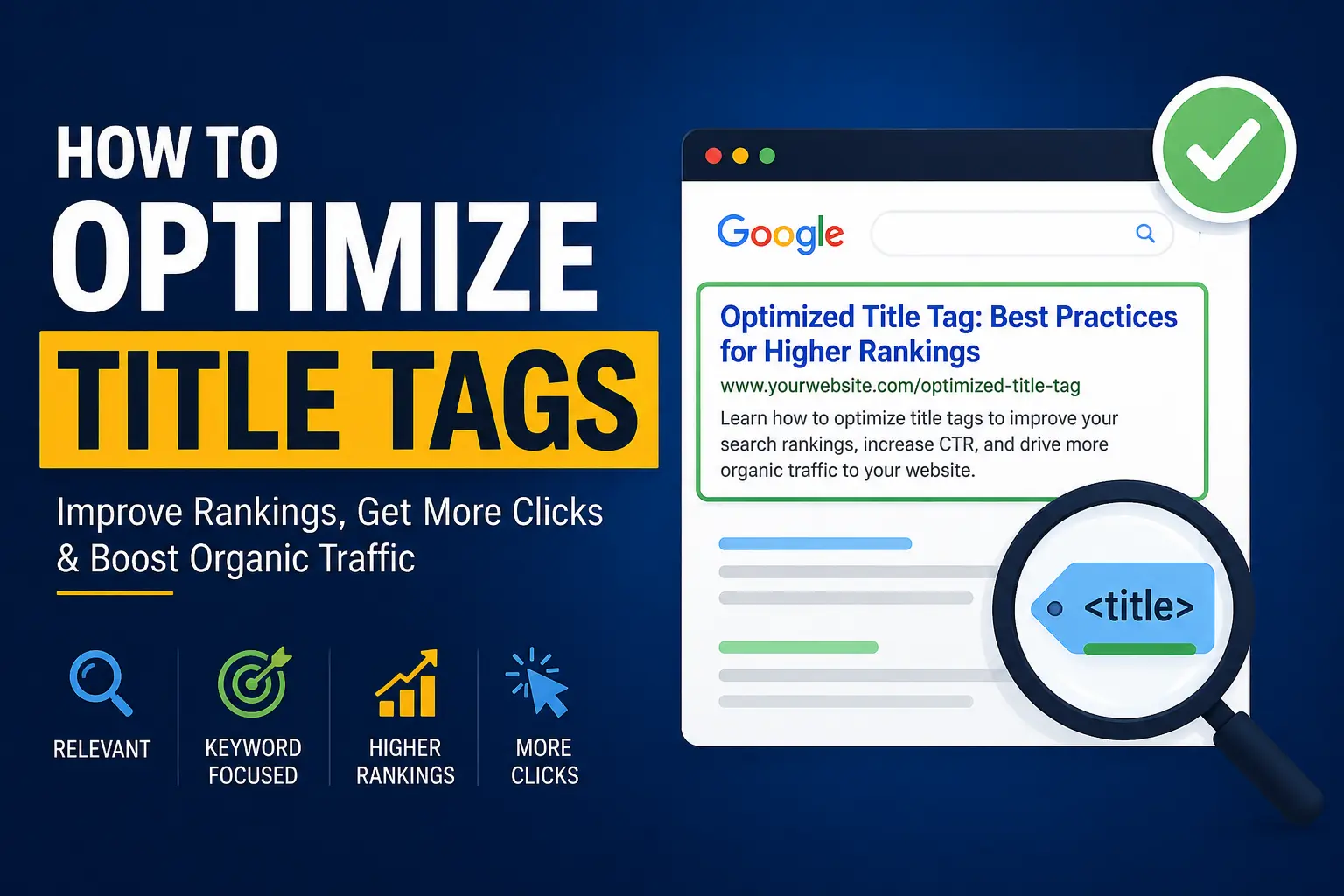
Introduction: Why Title Tags Matter in SEO
Title tags are one of the strongest and most influential on-page SEO elements that directly affect how search engines interpret your page and how users interact with your listing in search results. In modern SEO, where competition for visibility is extremely high, even small improvements in title tags can create significant differences in click-through rate (CTR) and ranking positions.
When a user searches on Google, the title tag is the first thing they notice. It acts as a headline, a relevance signal, and a persuasion tool all at once. If your title is unclear, too generic, or poorly optimized, users will likely skip your result—even if your content is better than competitors.
Search engines like Google also rely heavily on title tags to understand the topic, intent, and relevance of a page. While Google sometimes rewrites titles, a well-optimized title tag still plays a major role in improving indexing and ranking stability.
In short, mastering how to optimize title tags is a foundational SEO skill that directly impacts traffic, visibility, and conversions.
What is a Title Tag?
A title tag is an HTML element that defines the title of a webpage and appears in search engine results, browser tabs, and social media previews. It is placed inside the <head> section of a webpage and is one of the first elements crawled by search engines.
A title tag is not just a label—it is a concise summary of your page’s content designed for both users and search engines.
Where Title Tags Appear in Detail:
- Google search results as the clickable blue link
- Browser tab when a page is opened
- Social media platforms like Facebook, LinkedIn, and Twitter when a page is shared
- Bookmark titles saved by users
- SEO tools and site crawlers that analyze page structure
Each of these placements means your title tag influences multiple user touchpoints across the web.
Why Title Tags Are Important for SEO
Title tags are critical because they directly influence three major SEO factors: relevance, ranking, and click-through rate. Without a properly optimized title tag, even high-quality content may struggle to perform in search engines.
1. They Improve Search Engine Rankings
Search engines use title tags as a strong relevance signal. When your title contains the target keyword and clearly reflects the page topic, Google can better match your page to relevant search queries.
2. They Increase Click-Through Rate (CTR)
Even if your page ranks on the first page, users decide whether to click based on your title. A compelling, clear, and emotionally engaging title can significantly increase CTR, which indirectly improves rankings.
3. They Improve User Experience
Title tags help users quickly understand what your page is about before clicking. This reduces bounce rate and increases engagement because users know what to expect.
4. They Help Search Engines Understand Structure
Search engines use title tags along with headings and content to categorize your page within its index. This improves semantic understanding and topical relevance.
5. They Influence Social Sharing Performance
When shared on social media platforms, the title tag often becomes the default headline, affecting how users perceive and engage with your content.
How to Optimize Title Tags (Step-by-Step Guide)
Optimizing title tags requires a combination of keyword placement, user psychology, formatting rules, and SEO best practices. Below is a detailed breakdown of how to do it correctly.
1. Use Your Focus Keyword Naturally
Your primary keyword should appear in the title tag in a natural and readable way. This helps both search engines and users immediately understand the page topic.
Expanded Strategy:
- Place the keyword near the beginning of the title if possible
- Avoid forcing keywords unnaturally
- Maintain readability over keyword density
Example:
❌ Bad: SEO Tags Optimize Title Learn
✅ Good: How to Optimize Title Tags for SEO
A natural keyword placement improves both ranking potential and user trust.
2. Keep Title Length Optimal (50–60 Characters)
Google typically displays only the first 50–60 characters of a title tag. Anything longer may get cut off, reducing clarity and CTR.
Expanded Explanation:
- Short titles may lack detail and context
- Long titles may lose important words in SERPs
- Balanced length ensures full visibility across devices
Best Practice:
- Aim for 55 characters as a sweet spot
- Prioritize important keywords at the beginning
- Avoid unnecessary filler words
3. Make It Click-Worthy (Improve CTR)
A title must not only rank but also attract clicks. CTR is a behavioral signal that can influence rankings over time.
Expanded Techniques:
- Use curiosity-driven phrasing
- Highlight benefits or outcomes
- Address pain points or solutions
Power Words:
- Ultimate
- Proven
- Step-by-Step
- Complete
- Essential
- Advanced
Example:
❌ SEO Title Tag Guide
✅ Complete Guide: How to Optimize Title Tags for Maximum SEO Results
4. Add Numbers When Possible
Numbers increase readability and make titles feel structured and actionable. Users are more likely to click on list-based or data-driven titles.
Expanded Insight:
- Odd numbers often perform slightly better in CTR studies
- Numbers signal structured content
- They set expectations clearly
Examples:
- 7 Powerful Ways to Optimize Title Tags
- 10 Proven SEO Title Tag Strategies for 2026
5. Match Search Intent
Search intent is the reason behind a user’s query. If your title does not match intent, users will not click—even if you rank.
Expanded Breakdown:
- Informational: “How to optimize title tags”
- Commercial: “Best SEO title tag tools”
- Transactional: “Buy SEO optimization services”
- Navigational: “Google title tag guidelines”
Strategy:
Always align your title with what users expect to find after clicking.
6. Avoid Keyword Stuffing
Keyword stuffing is the overuse of keywords in an unnatural way. It harms readability and can reduce rankings.
Expanded Explanation:
Search engines now understand context and semantic meaning, so repeating keywords is unnecessary.
❌ Bad Example:
SEO Title Tags SEO Optimization SEO Guide SEO Tips
✔ Good Example:
How to Optimize Title Tags for Better SEO Performance
7. Add Branding (When Needed)
Branding in title tags improves recognition and trust, especially for established websites.
Expanded Strategy:
- Add brand at the end of the title
- Keep it subtle and not distracting
- Useful for building long-term authority
Example:
How to Optimize Title Tags for SEO | DigitalGrowthHub
8. Make Each Title Unique
Duplicate titles confuse search engines and reduce ranking potential.
Expanded Explanation:
Each page should target a unique keyword or variation to avoid internal competition (keyword cannibalization).
Strategy:
- Assign one primary keyword per page
- Avoid repeating the same structure across multiple pages
- Customize based on content intent
9. Use Emotional Triggers
Emotional triggers increase engagement and CTR by influencing user behavior.
Expanded Types of Emotional Triggers:
- Fear of missing out (FOMO)
- Curiosity
- Urgency
- Achievement
- Simplicity
Examples:
- Avoid These Common Title Tag Mistakes That Hurt Your Rankings
- Simple Guide to Perfect SEO Title Tags That Actually Work
10. Analyze Competitors
Competitor analysis helps you understand what is already working in search results.
Expanded Strategy:
- Search your keyword in Google
- Study top 10 results
- Identify patterns in wording, structure, and length
- Create a better, clearer, or more compelling version
Key Improvement Areas:
- Clarity
- Emotional appeal
- Keyword placement
- Title length optimization
Common Title Tag Mistakes to Avoid
1. Too Long Titles
Long titles get cut off in search results, reducing clarity and CTR.
2. Too Short Titles
Very short titles fail to describe the page properly and reduce relevance.
3. Keyword Stuffing
Overusing keywords makes titles unreadable and spam-like.
4. Duplicate Titles
Multiple pages with the same title confuse search engines.
5. Ignoring User Intent
If the title does not match what users want, they will not click.
Best Title Tag Examples
Blog Posts:
- How to Optimize Title Tags for SEO (Beginner to Advanced Guide)
- 10 Proven Strategies for Writing High-CTR Title Tags
E-commerce:
- Buy Premium Wireless Headphones Online | Best Deals Available
Service Pages:
- Affordable SEO Services to Grow Your Business Online
Advanced Title Tag Optimization Strategies
1. A/B Testing Titles
Testing different versions helps identify which title gets more clicks.
2. Use SEO Tools
Tools like Google Search Console and Ahrefs help track CTR and impressions.
3. Optimize for Mobile Users
Mobile screens show fewer characters, so shorter titles perform better.
4. Include Year for Freshness
Example: SEO Title Tag Guide 2026
How Google Rewrites Title Tags
Google may rewrite titles if they are:
- Too long or vague
- Stuffed with keywords
- Not aligned with content
- Missing context from headings
Solution:
Write natural, descriptive, and user-focused titles.
Tools to Optimize Title Tags
1. Yoast SEO
Helps preview and optimize titles inside WordPress.
2. Rank Math
Provides advanced SEO scoring and suggestions.
3. Google Search Console
Shows CTR, impressions, and ranking performance.
4. Ahrefs / SEMrush
Helps analyze competitors and keyword opportunities.
Title Tag Optimization Checklist
✔ Primary keyword included
✔ Length between 50–60 characters
✔ High CTR potential
✔ Matches search intent
✔ No keyword stuffing
✔ Unique for every page
✔ Emotion or value included
✔ Optional branding added
Conclusion
Title tag optimization is one of the simplest yet most powerful SEO techniques available today. A well-crafted title can dramatically improve your visibility in search engines, increase organic traffic, and boost user engagement.
By combining keyword strategy, emotional triggers, proper formatting, and competitor research, you can create title tags that consistently outperform competitors.
If you apply these techniques correctly, your website will not only rank better but also attract more qualified traffic that actually converts.
Leave a Reply